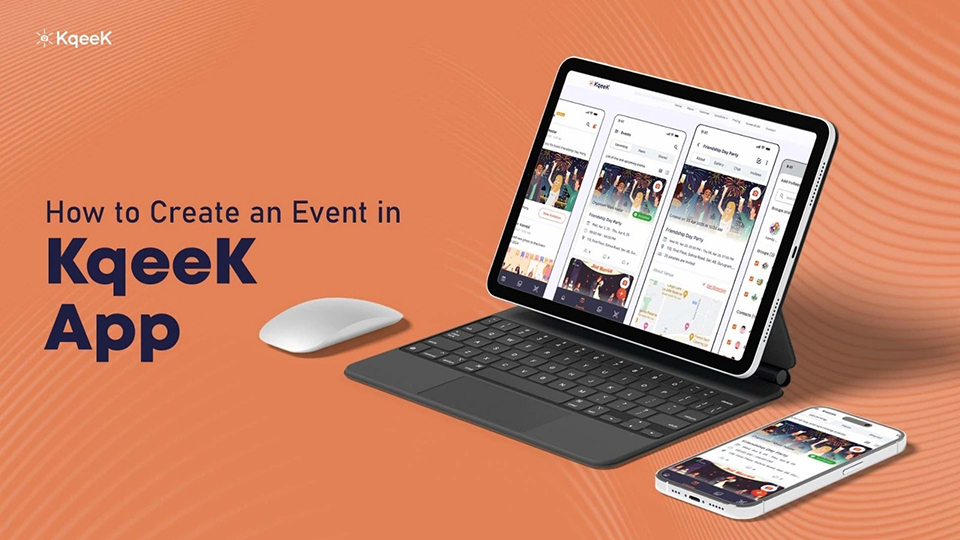
Planning a get‑together, a birthday bash, a wedding, or even a casual hangout can get messy when you juggle invites,
photos, messages, and follow-ups across apps. What if there was a single place to manage all of its invites, media,
updates, and more without the hassle? That’s where the KqeeK app steps in. It offers a unified, easy, and fun way to
plan, share, and relive events without cluttering your phone or juggling dozens of chat threads.
What is the KqeeK App?
KqeeK is a cloud‑based app built to simplify event planning and media
sharing app. It combines event creation, invitations, RSVP tracking, photo/video sharing, and secure cloud storage
into one smooth interface. With unlimited private events, attendee invites, media uploads, and more under its free
plan, plus optional upgrades for added features, it’s designed to be accessible for personal get‑togethers as well
as to organize events.
How to create an event on the KqeeK App
-
Install and sign up
First things first: download KqeeK from Google Play or the App Store. After installation, open the app and create your profile by filling in your basic details like name and adding a profile picture. A clean, recognisable profile helps your invitees trust and recognise you, especially if they receive the invite link directly.
-
Create your event
Once your profile is ready, tap on the “+ Icon to create an Event” option. Then fill in the core details:
- Name of the event: (for example: “Rahul's 25th Birthday party” or “Hangout”)
- Date and time: Add the date of your event, double‑check to avoid scheduling conflicts
- Location: Add the location of the place where your hosting party or waana meet, or enter the full address
- Description: Add useful info like dress code, theme, special instructions, or agenda
- Add Event Picture: Add a picture for the event you're hosting
- Name of the event: (for example: “Rahul's 25th Birthday party” or “Hangout”)
-
Customize the event page to give it personality
One of the things that makes KqeeK stand out is the ability to customise your event page. You can upload a cover photo, set a theme, and tailor the page’s look and feel so it aligns with the vibe of your event. A visually appealing event page helps create excitement and makes the invite feel more real.
-
Invite your guests
After creating the event, you get the option of inviting guests and friends. KqeeK lets you import contacts directly or add people manually. You can also share a unique event link so people outside your contact list can join. Once invited, attendees can RSVP, and you’ll be able to track responses, no need for manual follow‑ups.
-
Share updates or changes effortlessly
Things often change, maybe the time shifts, or the venue gets updated, or you add a surprise element. KqeeK allows you to post updates or announcements directly on the event page so all invitees get notified. Keeps everyone on the same page with zero confusion. -
Capture and share memories all in one place
During and after the event, attendees can upload photos and videos directly to the event. Because KqeeK stores everything in the cloud, you don’t have to worry about filling up device memory. Once uploaded, the content is organised, and you can revisit the event gallery anytime. -
After the event: manage, revisit, or share
After the last guest leaves, the event isn’t over. With KqeeK, you can download shared media, send thank-you messages, or even compile a recap album of the day. It’s a clean way to archive memories and stay connected.
Mistakes to Avoid When Creating an Event
- Not filling out the full venue or address details leads to confusion for attendees.
- Uploading low-resolution images doesn’t ruin memories with blurry pics.
- Forgetting to send reminders or updates, especially if details change.
Conclusion
Creating an event using KqeeK is straightforward, intuitive, and user-friendly, whether you’re planning something low-key with friends or a more organised gathering. Once you follow the steps above, you end up with a neat event page, guest list, live gallery, and a full memory archive. Give it a try next time you plan something and enjoy keeping the memories alive without the logistical headache. Get the KqeeK event planning app and create your first event.