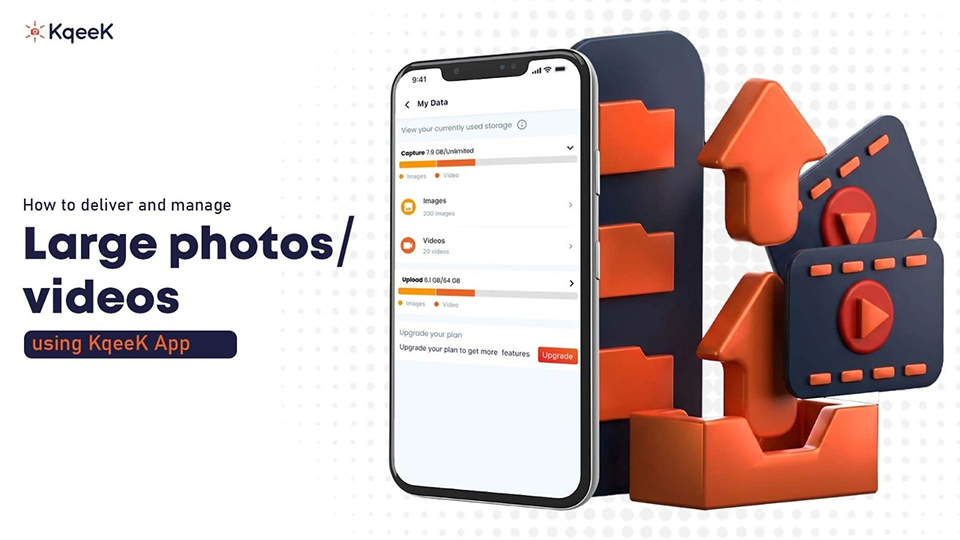
Sharing large photos and videos should be simple, but anyone who deals with high-quality media knows the struggle. Files get compressed. Transfer limits get in the way. Links expire. And most cloud apps feel like they’re built for generic storage, not for creators who work with visuals every day. Here’s where the KqeeK cloud-based app comes in.
KqeeK is built for various uses, mainly to plan and create events, share media with friends, attend events, or
conferences without losing quality. If you’re sending RAW photos, 4K videos, or full client albums, the app handles
it without slowing you down.
Why sharing large media files is harder than it looks
Before jumping into KqeeK, it helps to
understand why regular apps (email, WhatsApp, Google Drive, AirDrop, etc.) give you trouble.
- File size limits stop you from uploading big videos
- Quality gets compressed on social apps
- Cloud drives get messy fast
- Downloading requires multiple steps
What makes KqeeK different
Most sharing apps treat every file the same. KqeeK is different
because it is built for visual media management. The app focuses on:
- Fast, secure photo and video delivery
- Unlimited collections and albums
- High-quality, uncompressed uploads
- Easy viewing & collaborating
- Smart AI Search tool
- Privacy and access controls
- QR Code Scan and share
The idea is simple: upload once, share instantly, keep everything organized.
How to deliver large photos and videos using KqeeK
Share your QR Code to share
This is where KqeeK really shines. You can create a QR code for your event:
-
Create an event
Invite your friends and family to the event, with whom you want to share your media.
-
Upload your media
Open the app and add your photos or videos. KqeeK doesn’t compress files, so your HD or 4K media stays intact.
-
Create a collection or folder
If you’re sending photos/ videos to a client, friend, or colleague, add them to your event. It keeps everything clean and makes essay for everyone.
-
Share your QR Code to share
This is where KqeeK really shines. You can create a QR code for your event:
- Instant
- Private
- Password protected (optional)
- Accessible on any device
No login needed for the viewer
-
Track and manage access
You can update the link permissions anytime. If you want to disable access, remove someone, or add new files, it takes seconds.
Whom KqeeK is perfect for?
A lot of people benefit from this type of platform, not just
professionals
-
Photographers
Deliver RAW files, edited albums, previews, and event galleries.
- Videographers
Share full HD and 4K videos without compression. -
Influencers & Content Creators
Send footage to editors or brands and manage and keep updated with influencers.
-
Agencies & Businesses
Share campaign assets, product shoots, or marketing videos.
- Individuals
Even for personal use: weddings, birthdays, travel albums, family videos.
Conclusion
If you're tired of sending large files the hard way, KqeeK makes the whole process
feel effortless. You upload once, share instantly, and manage everything in one place. No compression, no limits, no
confusion for your clients.
For photographers, videographers, creators, and even casual users, KqeeK is one of the best photo-sharing apps, with ways to deliver and organize high-quality photos and videos without worrying about size restrictions or clutter.
If you want a smooth workflow and stress-free media delivery, KqeeK photo sharing app is worth trying.